
Solution for Sublime text Remote Editing
The solution for Sublime text Remote Editing: Sublime text is a powerful and most popular text editor for the Linux, Mac and Windows. But most often especially in windows, the issue is remote editi...
Key Architecture Takeaways
- ›Point 1: Production blueprint for Solution for Sublime text Remote Editing on Linux infrastructure.
- ›Point 2: Covers root privilege management, daemon supervision via systemd, and secure file operations.
- ›Point 3: Applies to LTS releases (Ubuntu 24.04/22.04 LTS, Debian 12 Bookworm).
Enterprise Compatibility Update (2026 / LTS)
While these fundamentals apply directly to existing deployments, modern installations on Ubuntu 22.04 and 24.04 LTS use systemd-resolved, nftables for packet filtering, and modern OpenSSH 9+ with Ed25519 cryptography.
The solution for Sublime text Remote Editing: Sublime text is a powerful and most popular text editor for the Linux, Mac and Windows. But most often especially in windows, the issue is remote editing. Combining Sublime Text and ExpanDrive is a powerful solution for that. You can edit and manipulate files on SFTP/FTP or S3 in real-time from directly within the Sublime Text.
So, we are going to explain how to install ExpanDrive and Sublime text in windows. And combining them, for a better workflow of your project.
Prerequisites:
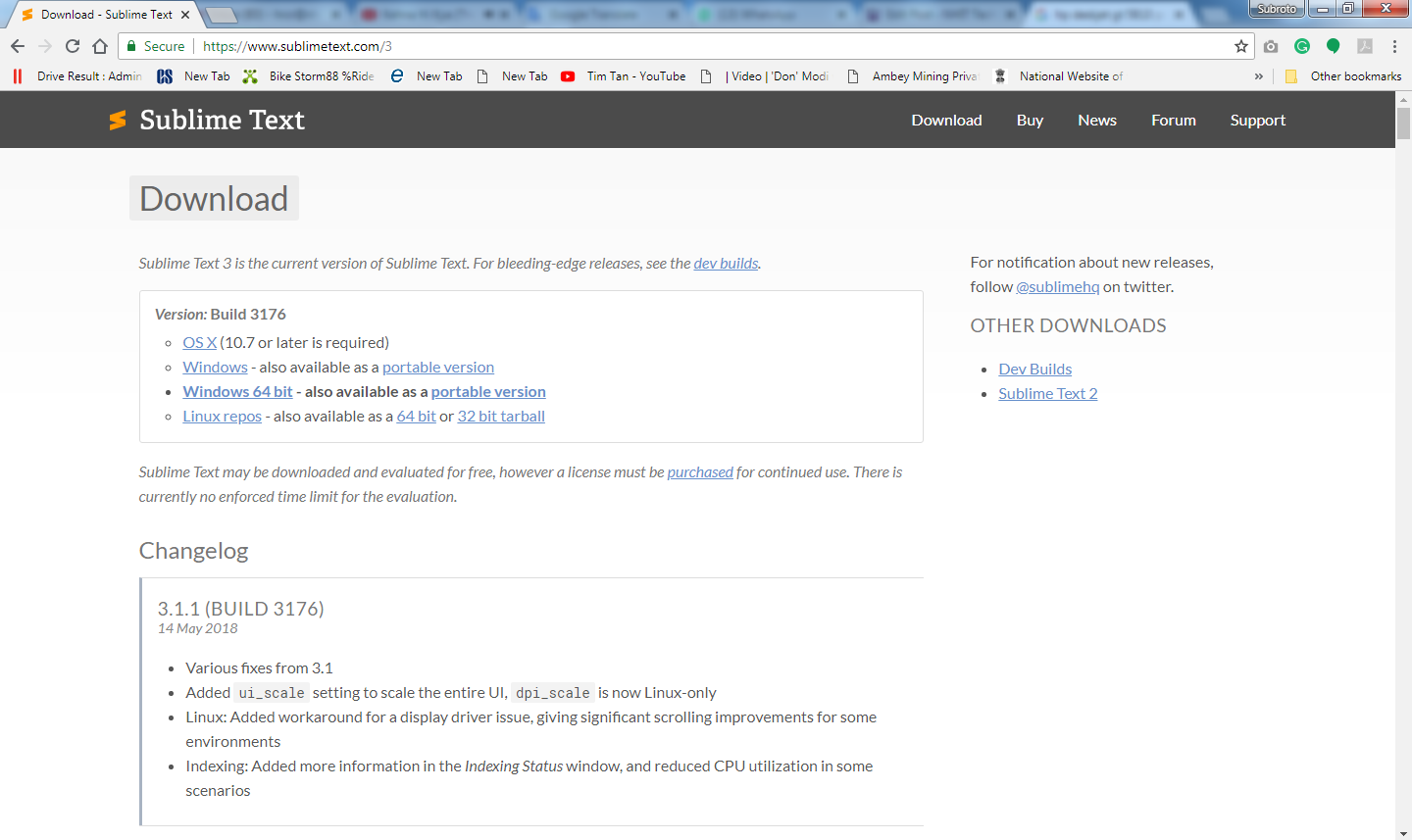
Installing Sublime Text3:
First, download sublime text and install it in your windows system.

Installing Expand Drive:
Download ExpanDrive and install on your system. Follow the installation instruction.


Now We start by creating a new SSH (SFTP) connection within ExpanDrive, although you can connect to FTP, Amazon S3 or a whole variety of other support cloud storage providers if you prefer.


Once you have made the connection to the server, the contents are viewable in Finder, Explorer or any other application. On the Mac, I like the Open in Sublimebutton to click a folder and then click Open in Sublime and have Sublime open up the tree as a project. This is easier on Windows where you can right click and have the default shell extension offer "Open in Sublime."

Now you can edit any file directly within Sublime and have the entire tree visible in the sublime sidebar.

While there are some other options out now for accessing SFTP servers from within Sublime, I feel pretty confident that ExpanDrive is the best. We have rock-solid background saves that let you hit command-s [or ctrl-s, if you're on windows] with abandon. You'll experience no delay as the file is saved instantly and pushed out to your server in the background.
There are a couple of option out there which I will list which are either paid or not:
http://www.sftpnetdrive.com/ Free for Personal Use
https://www.expandrive.com/ Paid
https://github.com/Foreveryone-cz/win... Open Source